Move-in and move-out evidence
Move-out record
Record the condition when keys are returned and compare with move-in.
- Time
- About 20 min
- Fee
- Included in the record
- For
- Tenants, landlords, agents
- Steps
- 4 steps
- Languages
- العربية · English
Description
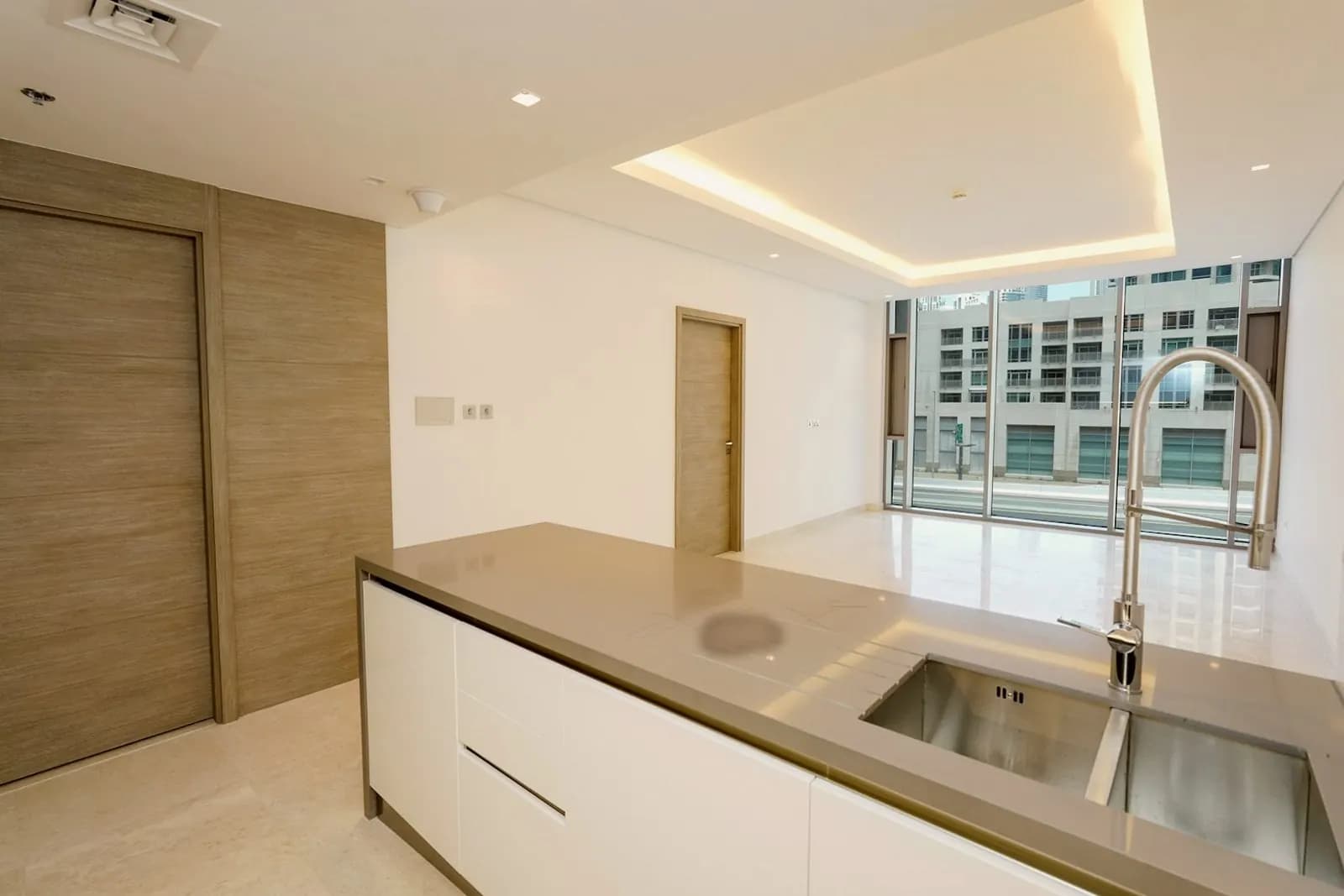
Record the condition of the home when keys are returned, room by room, then see move-in and move-out side by side. A person compares them; Solvex never labels damage.
Steps4
- 1Open the case and choose "Move-out record".
- 2Go room by room and add photos and notes.
- 3Submit, then open "Compare" to see move-in and move-out side by side.
- 4Raise a concern about a specific item if needed.
What you needAbout 20 minutes.
- A phone or camera
- About 20 minutes in the home
What you receive
- Move-out record with fingerprints
- Side-by-side comparison view
What is recorded as evidence
- Original photos of the same rooms
- Server time and SHA-256 fingerprint for every photo
- Any concern raised about a specific item
Terms
- Solvex does not decide whether there is damage.
- Both parties' records stay separate.
Keep going
Related services
About 10 min
Register a dispute record
Describe what happened and link the evidence. Solvex does not decide who is right.
Learn moreUnder 1 min
Download case file
A factual package with timeline, evidence fingerprints and both statements.
Learn moreAbout 10 min
Create tenancy record
Record the property, both parties, dates and deposit, then invite the tenant to confirm.
Learn more
Ready to start?
Sign in and open your case
Sign in with UAE PASS, simulated in this demo. Everything you add lands on the same shared case.